Mouse SR for Mac: Smooth Scrolling, Buttons & Finder
A familiar mouse can work even better on a Mac when its wheel and extra buttons feel the way you want. Mouse SR brings together smoother wheel scrolling, mouse-button shortcuts, and practical Finder actions in one macOS app.
Mouse SR is designed for discrete wheel input from third-party mice. Trackpads, Magic Mouse, and other continuous scrolling devices pass through unchanged.
Make scrolling feel right

Mouse SR turns the distinct steps of a mouse wheel into smooth, display-synchronized scrolling. You can tune how far each wheel notch moves, how the motion eases between steps, and how much acceleration to apply. If you prefer the opposite direction, you can reverse scrolling too.
That makes it easy to find a feel that suits the way you read, browse, and work. Smooth scrolling requires Accessibility permission in macOS. For a step-by-step setup, see the Mouse SR smooth scrolling guide.
Use your mouse wheel in iPhone Mirroring
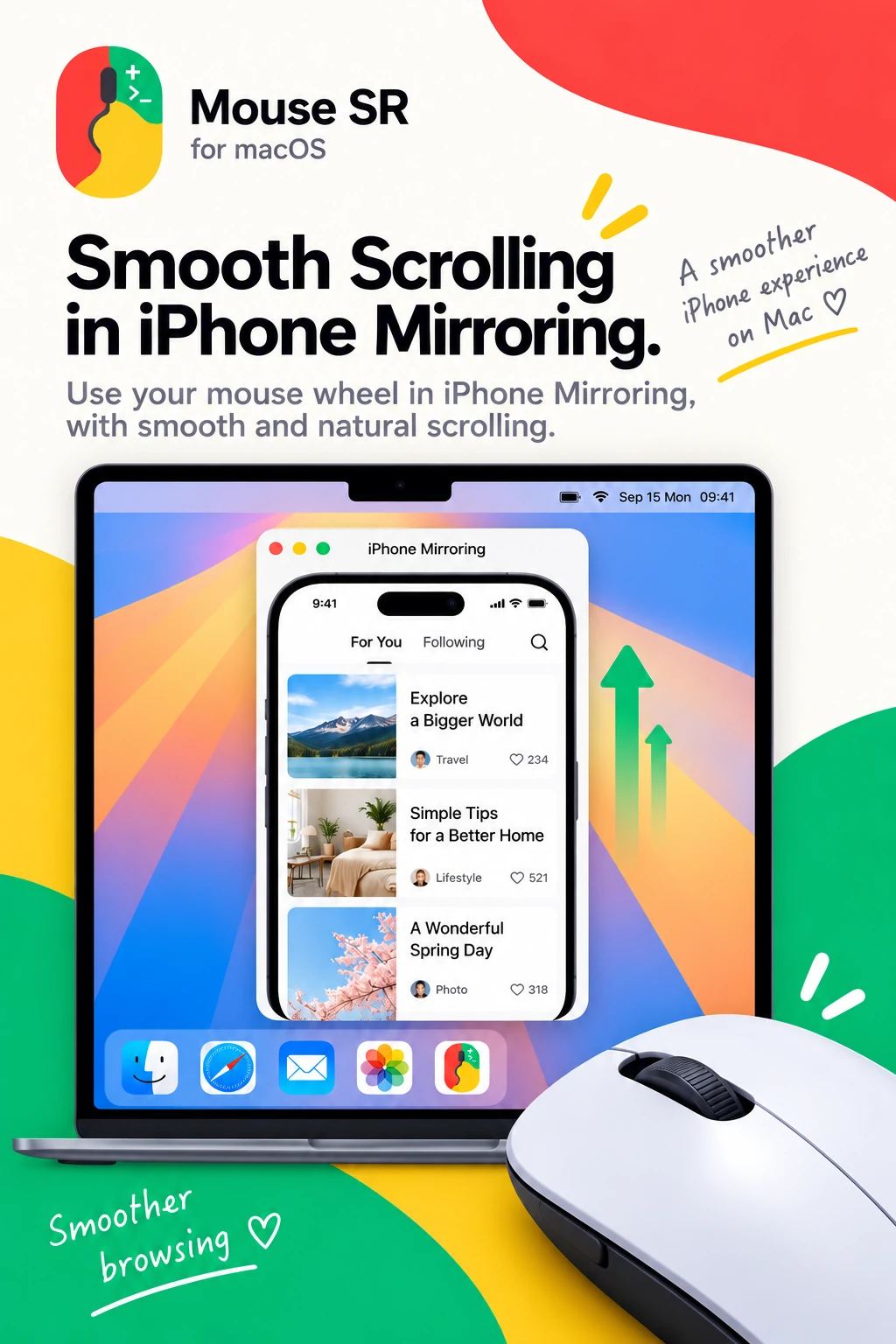
When you use iPhone Mirroring on your Mac, Mouse SR can smooth the scrolling from a third-party mouse wheel inside the mirrored window. It is handy when moving through a feed, a long page, or a list with your Mac mouse.
This applies to mouse-wheel input. It does not change touch gestures on the iPhone or the connection between your Mac and iPhone. See the iPhone Mirroring scrolling guide for setup and troubleshooting.
Put shortcuts under your thumb

Give a side button or middle button a keyboard shortcut you already use. Record your own shortcut or choose a common preset such as Hide Current App, Copy, Paste, or Close Window or Tab. Once mapped, the button sends that shortcut to the app you are using.
A mapped button replaces that button's original action; your mouse's left and right clicks stay unchanged. Button mapping also requires Accessibility permission.
Add useful actions to Finder
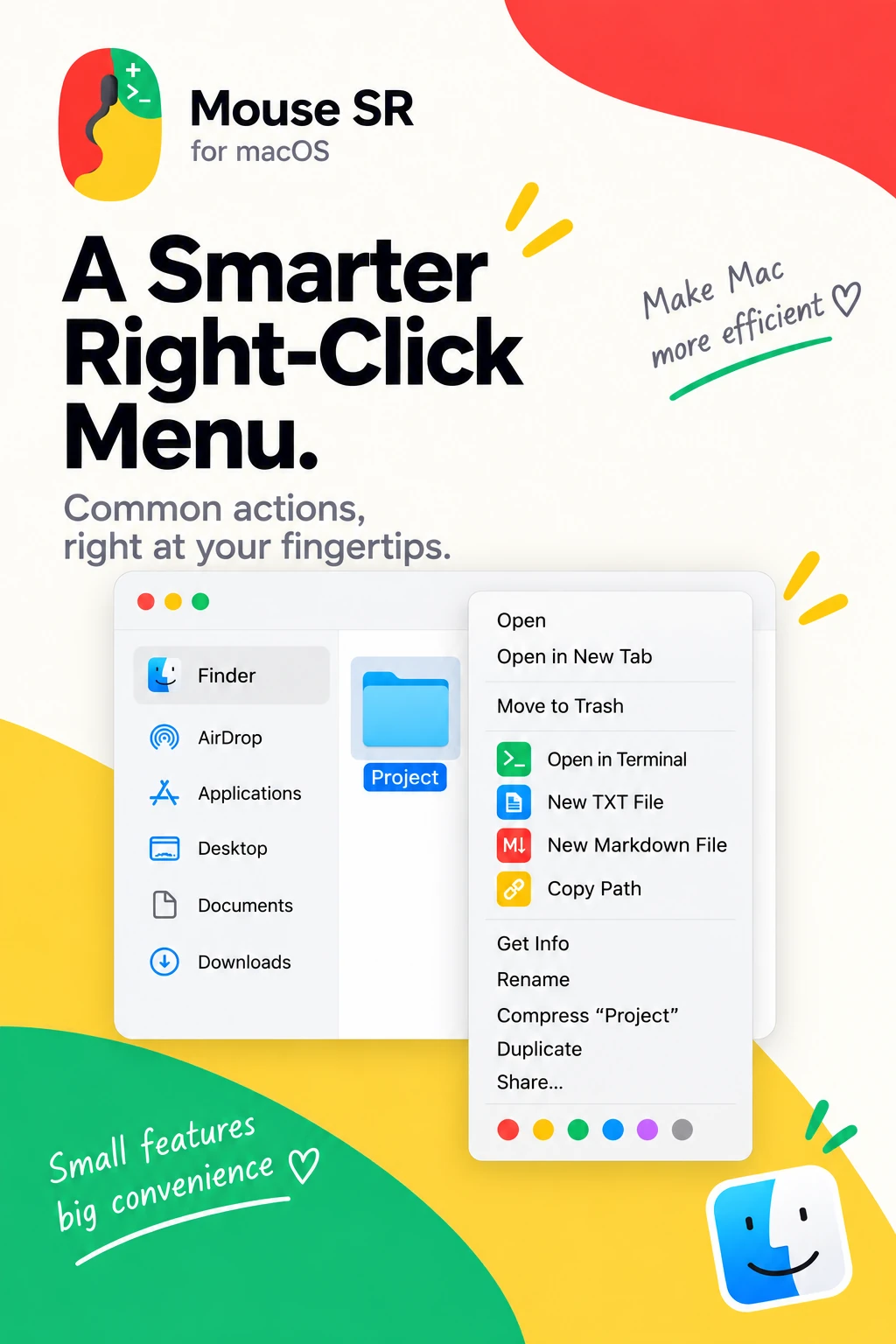
Mouse SR's Finder extension adds a few handy file actions to Finder's contextual menu. Depending on what you select, you can open a location in Terminal, create a new TXT or Markdown file with a collision-safe name, or copy selected paths. These shortcuts help with small tasks that otherwise mean opening another app or navigating through extra menus.
Enable the Mouse SR Finder extension and choose the folders where you want its actions available. Finder's own commands remain alongside the Mouse SR actions.
A few small changes to your daily workflow
Mouse SR brings your mouse's wheel, extra buttons, and Finder context menu into one place. Set a scroll feel that suits you, make a button call a familiar shortcut, and keep common file actions close at hand.
All the features shown here are included with Mouse SR Pro. You can try every feature for seven days. The HP60 product team is responsible for this article. The publication date above identifies this content version; product behavior may change after release, so consult the linked product and support pages for current limits.Content responsibility